Turn any cooking video
into a recipe for FREE.
Clip it from YouTube, TikTok, Instagram, Pinterest, or any website. Clip To Cook's AI extracts the recipe instantly.

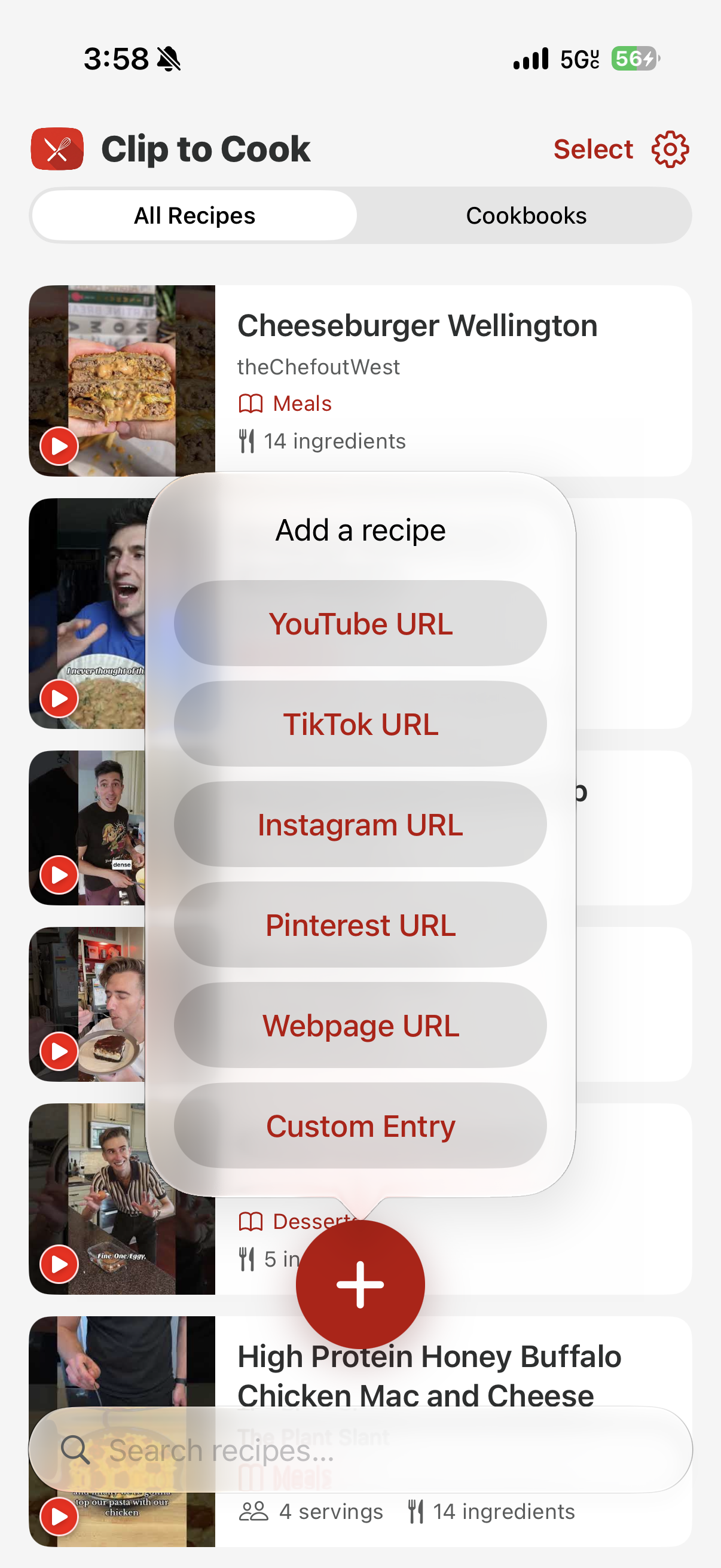
You see a perfect dish on TikTok.
The recipe is buried in a 12-minute video.
Clip To Cook extracts it instantly.
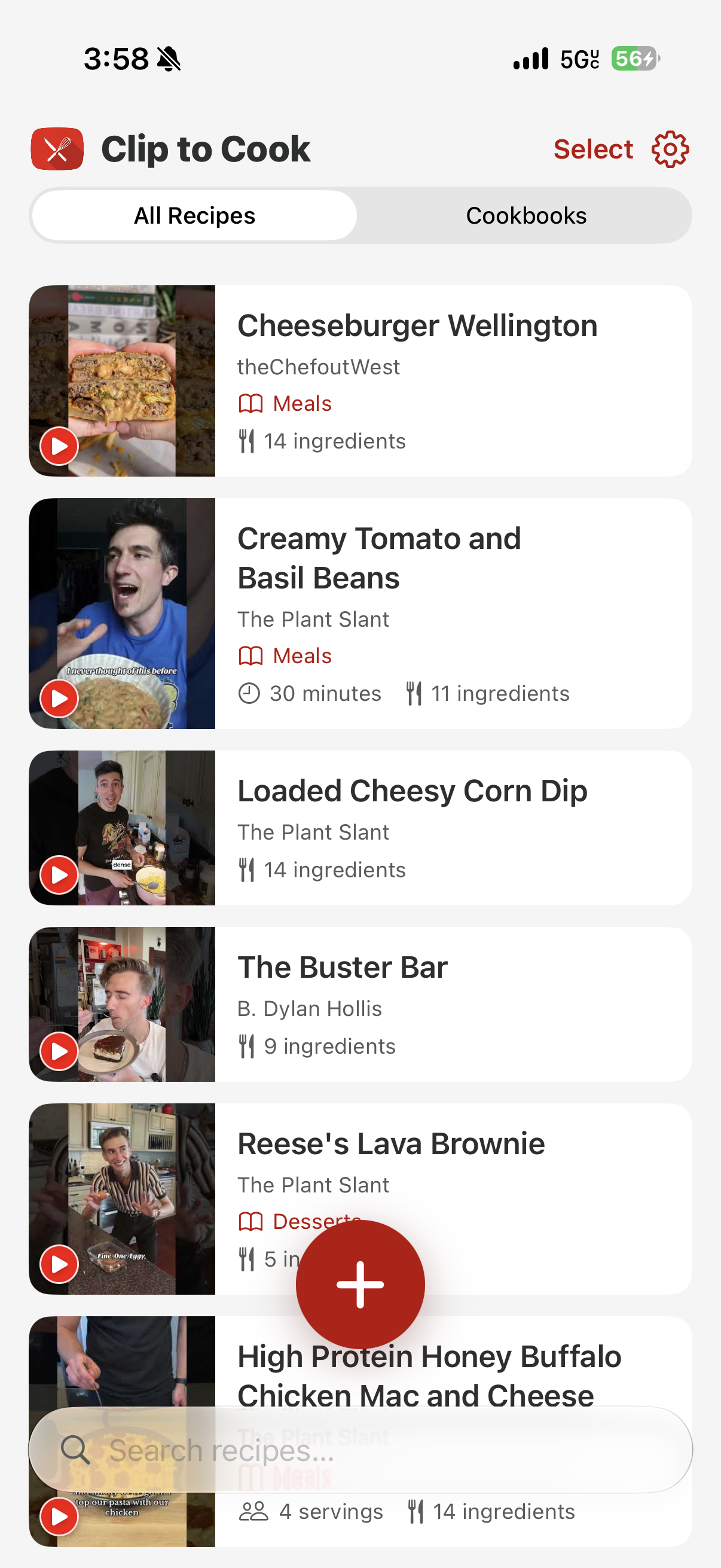
Share any cooking video — from YouTube, TikTok, Instagram, Pinterest, or any website. The AI reads it and returns a clean, structured recipe with ingredients, steps, and cook time. No scrubbing. No guessing.
Three steps. Zero friction.
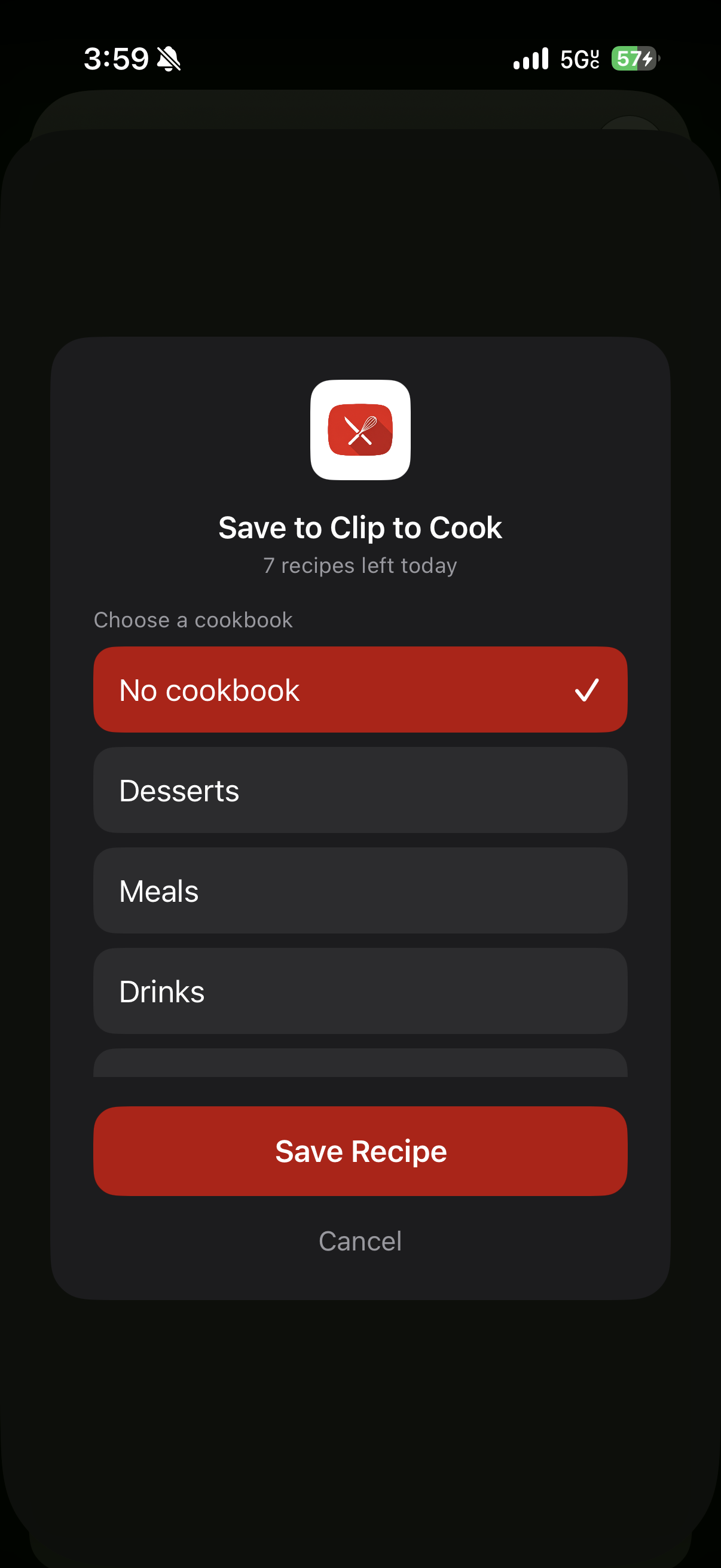
Clip
Share any cooking video from YouTube, TikTok, Instagram, Pinterest, or any website directly to Clip To Cook.
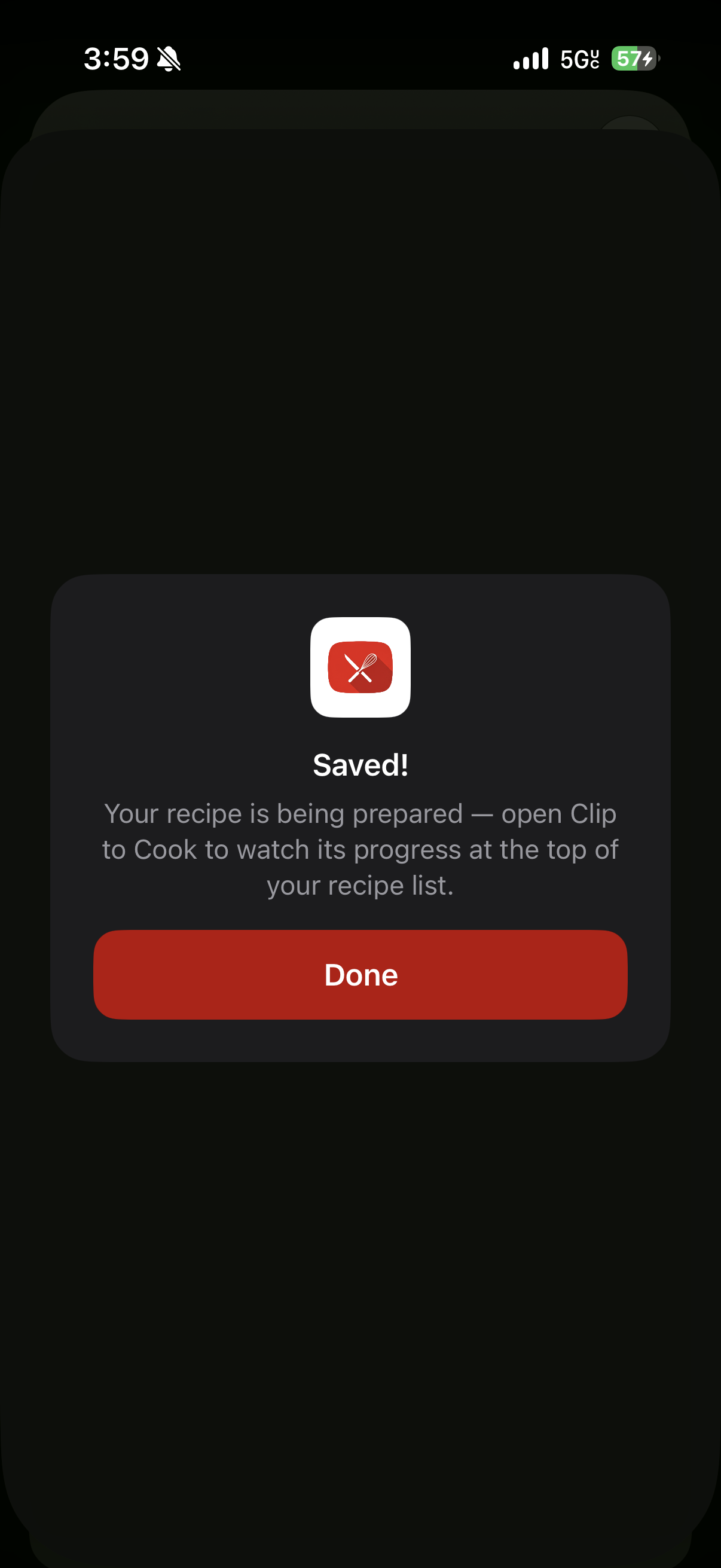
Extract
AI reads the video and pulls out the full recipe — ingredients, quantities, steps, and cook time.
Cook
Follow clear step-by-step instructions. Save to your cookbook and share with anyone.
Everything you need to cook from the internet.
Any Platform
YouTube, TikTok, Instagram Reels, Pinterest, recipe websites — if the recipe is in the video, Clip To Cook finds it.
AI-Powered Extraction
No manual entry. The AI parses the video and returns structured ingredients, quantities, and steps.
Smart Cookbooks
Organise your saved recipes into themed cookbooks — weeknight dinners, date-night dishes, meal prep.
Share with Anyone
Send a cookbook to family or friends in one tap, or export any recipe as a clean, printable PDF.
Made for the way you actually cook.
Save it for Sunday
Scrolling at midnight and spot the perfect ragù? Clip it now, and the full recipe is waiting in your cookbook when you're ready to cook.
No more rewinding
Stop scrubbing back through a video with wet hands to catch how much flour goes in. Every quantity and step is written down for you.
Build the family cookbook
Collect everyone's favourites into a shared cookbook and send it to family and friends in one tap.
Questions, answered.
Is Clip To Cook really free?
Yes. Clip To Cook is free to download and free to use — clip videos, extract recipes, and build cookbooks without paying anything.
Which platforms can I clip recipes from?
YouTube, TikTok, Instagram, Pinterest, and most recipe websites. If a link contains a cooking video or recipe, Clip To Cook can usually extract it.
How do I clip a video?
Tap the share button on any cooking video and choose Clip To Cook from the share sheet — or paste a link directly into the app. Extraction runs in the background, so you can keep scrolling while your recipe is prepared.
Is Clip To Cook available on Android?
Clip To Cook is available on iPhone today. An Android version is in the works — stay tuned.
Where do my recipes live?
Every recipe is saved to your personal account and organised into cookbooks. You can share cookbooks with friends and family, or export individual recipes as PDFs.
Start cooking from
any video. Free.
Download Clip To Cook and turn your video watchlist into a personal cookbook.